
Vallor vs.
Vallor vs DocuSign CLM (formerly SpringCM)
Vallor vs DocuSign CLM (formerly SpringCM) compared across implementation time, AI depth, procurement fit, legal workflow fit, and enterprise readiness.
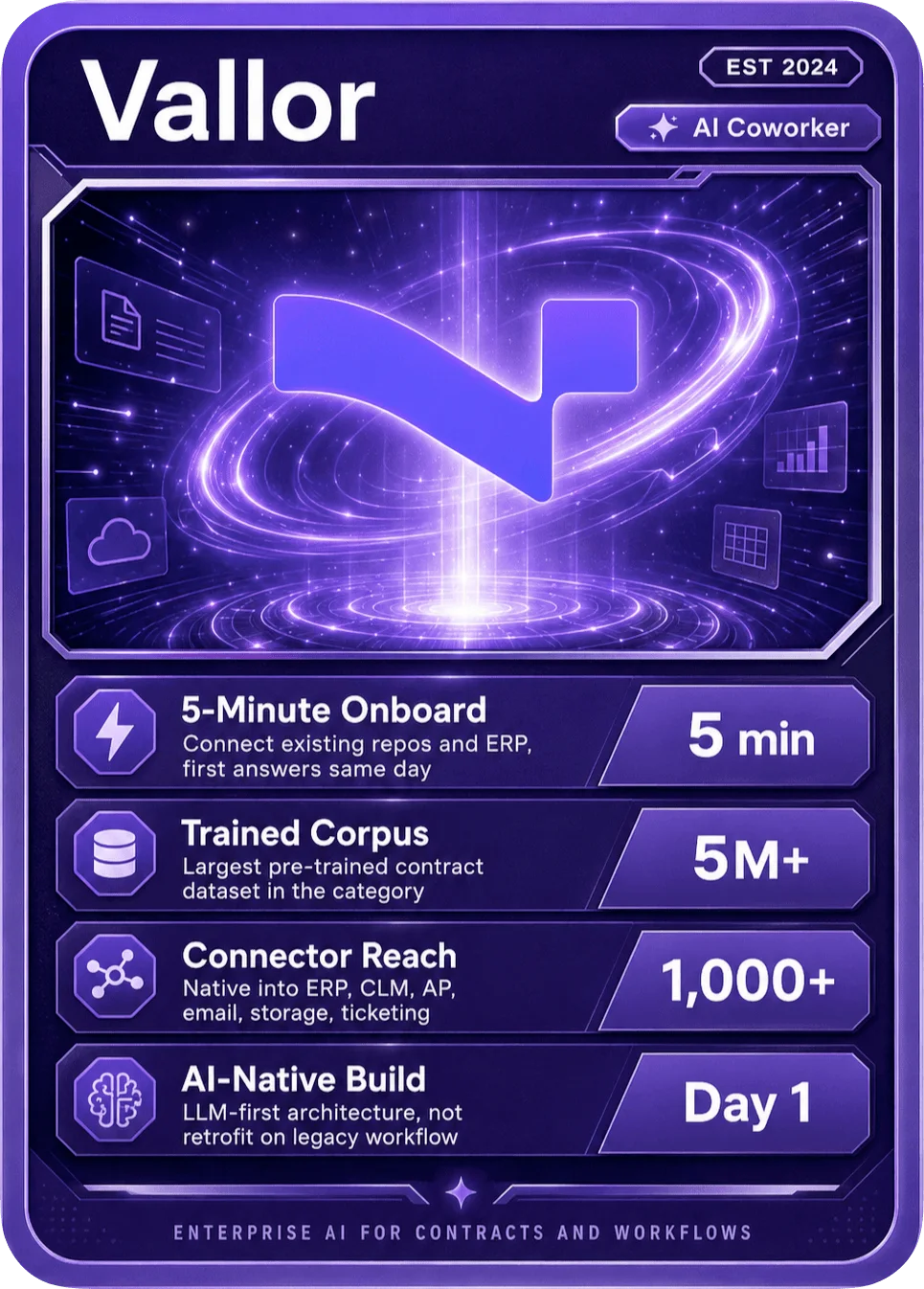
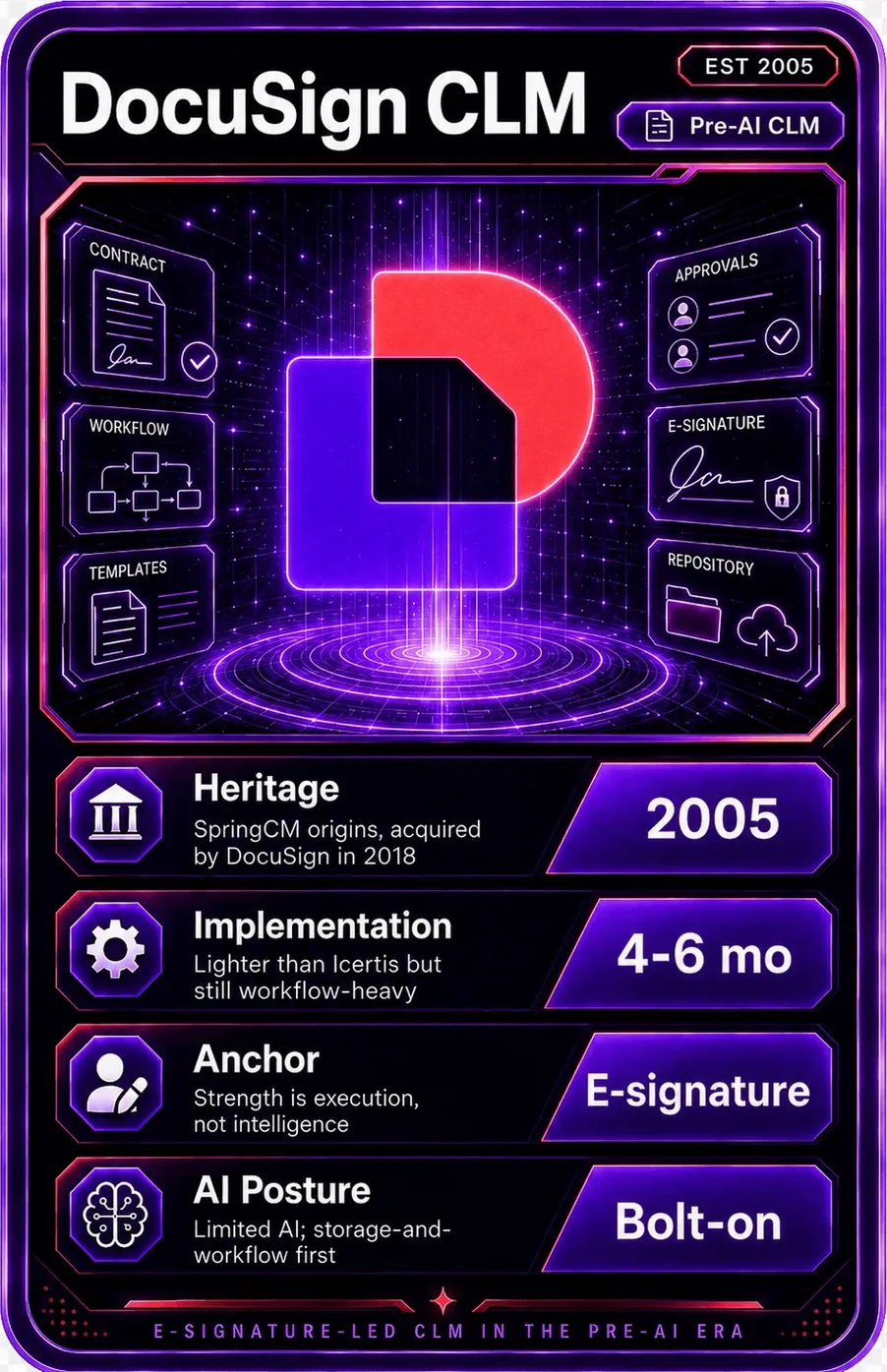
Vallor is best when contract intelligence must connect contracts to ERP, AP, CRM, and day-to-day business systems. DocuSign CLM is best when agreement workflows and e-signature adjacency are the core need.
- Choose Vallor when you need contract answers, obligation monitoring, and procurement workflows without a long implementation project.
- Choose DocuSign CLM when agreement generation, review, and e-signature adjacency are central.
- Vallor is positioned as an AI coworker on top of your stack, not only as a repository or workflow database.
- Teams should run a proof of value against their own contracts before buying any CLM or AI contract platform.
Side-by-side comparison
| Dimension | Vallor | DocuSign CLM |
|---|---|---|
| Primary model | AI coworker that reads contracts, watches systems, answers questions, and triggers follow-up work. | A contract lifecycle management product inside the broader Docusign agreement platform. Decide whether you want a new operating system or an intelligence layer across existing systems. |
| Implementation | First value in minutes from existing repositories and integrations. Win | Implementation varies by Salesforce, templates, workflow complexity, and repository migration. Ask for a live proof using 50 of your own contracts. |
| AI depth | Contract-specific reasoning, citations, obligation execution, review support, and benchmarking from portfolio data. Win | Docusign has been expanding AI across agreement preparation, review, and management. Ask whether AI can act on business context, not only summarize documents. |
| Best fit | Procurement, legal, finance, and sales teams that need fast visibility into active and legacy contracts. | Teams already standardized on Docusign and Salesforce agreement workflows. Map the platform to the team that owns value leakage. |
| Commercial posture | Designed to cost a fraction of one FTE and avoid a large implementation services motion. Win | Usually enterprise quote-based. Confirm license, services, storage, AI usage, and integration costs. Compare total cost, not seat price. |
Best-fit profile
Choose Vallor when…
- You need contract answers, obligation monitoring, and procurement workflows without a long implementation project.
- Contracts are spread across CLM, ERP, shared drives, email, and procurement systems, and you need answers with citations, not another place to store documents.
- The goal is catching missed renewals, vendor risk, savings leakage, SLA gaps, and unclaimed rebates.
- Business leaders want value this quarter and cannot wait for a multi-month process redesign.
Choose DocuSign CLM when…
- Agreement generation, review, and e-signature adjacency are central.
- Docusign is already the operating layer for agreements and CLM process redesign is in scope.
- Teams are already standardized on Docusign and Salesforce agreement workflows.
How Vallor wins
Not tied to Salesforce or one agreement suite
DocuSign CLM grew from the 2018 SpringCM acquisition and ships a deep native Salesforce connector, which suits Salesforce-centered sales orgs. Vallor connects to ERP, AP, CRM, CLM, storage, and email through 1,000+ connectors, so answers do not depend on standardizing on one agreement platform.
PRNewswire on DocuSign / SpringCM (2018); DocuSign CLM for Salesforce datasheet.Minutes to first answer vs a platform rollout
DocuSign CLM deployments vary with Salesforce setup, templates, workflow, and repository migration. Vallor connects to existing contracts and returns first useful answers in minutes, with first work delivered the same day.
DocuSign CLM for Salesforce datasheet; observed Vallor onboarding.Portfolio reasoning, not repository lookup
DocuSign's Navigator turns agreements into structured data and AI-Assisted Review helps redline in-flight. Vallor extracts 50+ clause types, tracks obligations with owners and due dates, and answers questions across the full portfolio with citations.
DocuSign Intelligent Agreement Management overview (2024); Vallor product docs.Cross-functional, not signature-first
DocuSign's center of gravity is agreements and e-signature. Vallor is built for procurement, finance, legal, and sales to share one contract intelligence layer and catch renewals, vendor risk, and savings leakage.
DocuSign Intelligent Agreement Management overview; Vallor product docs.DocuSign CLM stores agreements and metadata, with Navigator structuring them for the Intelligent Agreement Management platform. Export a representative contract set and its metadata from DocuSign, then connect ERP, AP, CRM, email, and shared drives through Vallor's connectors. Run Vallor's first-pass extraction and obligation map, compare it against DocuSign reports, then automate one workflow first, usually renewals, intake review, or obligation tracking. Teams often keep DocuSign for e-signature and agreement workflow during the transition.
See also
FAQ
Does Vallor replace DocuSign CLM?
How is Vallor different from DocuSign's AI (Navigator, AI-Assisted Review)?
We are standardized on Salesforce. Does that favor DocuSign?
How long does each take to deploy?
What does DocuSign CLM cost vs Vallor?
Last updated: 2026-07-07. Part of Vallor's comparison library.
See the difference yourself
Compare Vallor on your own contracts.
Book a 30-minute demo and see how Val reads, redlines, and flags risk, side by side with whatever you run today.